Menu - Video Link
The sidebar menu is designed to give you easy access to different features on the platform.
Remove Twins from sidebar menu ss
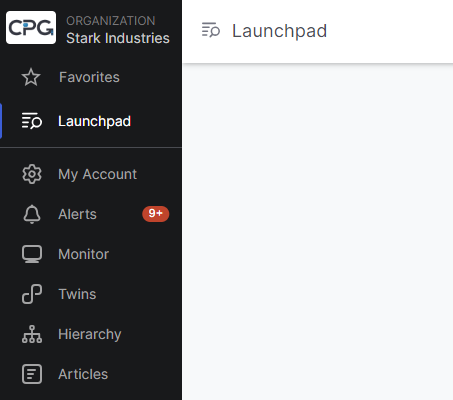
- Favorites – Your frequently accessed sites or reports
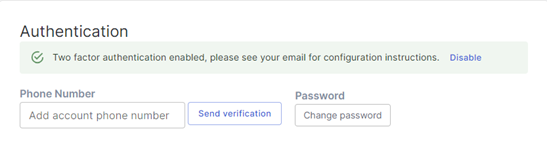
- My Account – update your contact information and set up 2 Factor Authentication
- Monitor – Map of site locations
- Alerts – All alerts pertaining to your designated sites
- Twins – A Twin is the virtual representation of the physical assets at each site.
- Hierarchy – All of the Sites you have access to along with the levels of organization
- Articles – Supporting documentation on how to use the Insight Portal
My Account
Update your information here
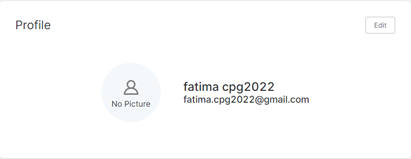
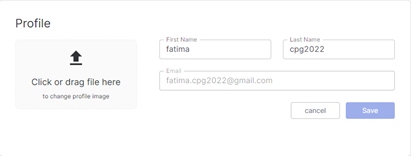
Enable and set up 2 Factor Authentication here or change your password
Was this article helpful?
That’s Great!
Thank you for your feedback
Sorry! We couldn't be helpful
Thank you for your feedback
Feedback sent
We appreciate your effort and will try to fix the article